
Once claimed, you can:
- Keep hours, address, and phone number accurate — including holiday hours
- Set your business category so you show up in the right searches
- Add a call-to-action button
- Add photos and other details that shape how your business looks to customers
If you haven't claimed your listing, Apple is likely still showing information it pulled from public sources — which may be outdated or simply wrong. Follow these steps to fix that.
Step 1: Go to Apple Business Connect.
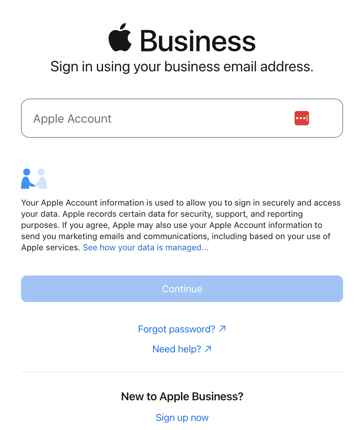
Visit business.apple.com and sign in with an Apple ID. If you don't have one, create it here — you can't claim a listing without it.
-
One Apple ID can manage multiple business locations, so this account becomes your home base going forward. We recommend using a company-specific Apple ID (e.g., marketing@yourbrand.com) so you always have access to your listings.
Step 2: Find your business.
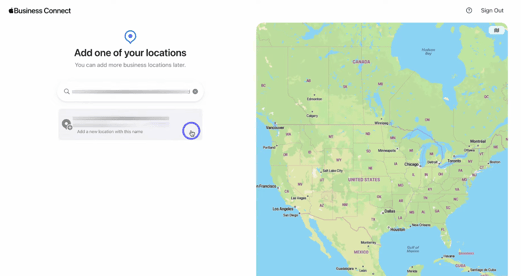
Search for your business by name or address. If a listing already exists, select it and click Claim This Place. If nothing comes up, choose Add a New Place and follow the same steps to build one from scratch.
Step 3: Review and correct your company details.
Go through each field carefully to edit or confirm your business information (business hours, address, phone number, business category).
Step 4: Verify ownership.
Once your information looks right, submit it for verification.
✅ Apple confirms you're authorized to manage the listing by calling the business phone number on file with a one-time code. Enter that code to complete the claim.
Verification review can take a few business days. You'll get an email once it's approved.
After you're approved.
Your listing is now yours to maintain. Revisit it whenever hours, contact details, or photos change — an outdated listing sends customers the wrong information just as easily as an unclaimed one does.