
GRANT ACCESS TO A SINGLE COMMUNITY
- Go to business.google.com
- Click into the corresponding location
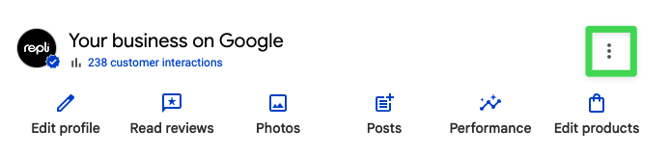
- Find Business Profile Settings and find [People and access]
- Copy & paste in the location ID:
- Your account manager will provide you with the correct location ID. If you have not received it, please contact your account manager or email support@repli360.com
- (When you paste this in, a dropdown should appear with REPLI - Property Management Company Name, similar to the one shown below.)
.png?width=447&name=image001%20(1).png)
- Select Manager access
- Click Invite
GRANT ACCESS TO AN ENTIRE PORTFOLIO OR FOLDER
- Go to business.google.com
- Find your Group Settings
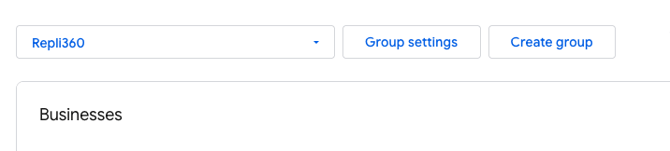
- Scroll down to Manager and click the Manage Users button
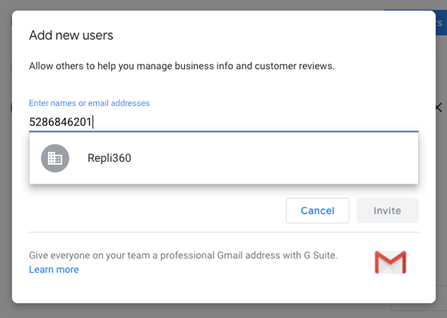
- Click the Add Users button
- Copy & paste in the Repli location ID
- Your account manager will provide you with the correct location ID. If you have not received it, please contact your account manager or email support@repli360.com
- (When you paste this in, a dropdown should appear that says REPLI360, as seen below)
- Under Choose a Role select Manager access
- Click Invite
Have additional questions about granting access? We'd love to help!
📩 Email our support team: support@repli360.com